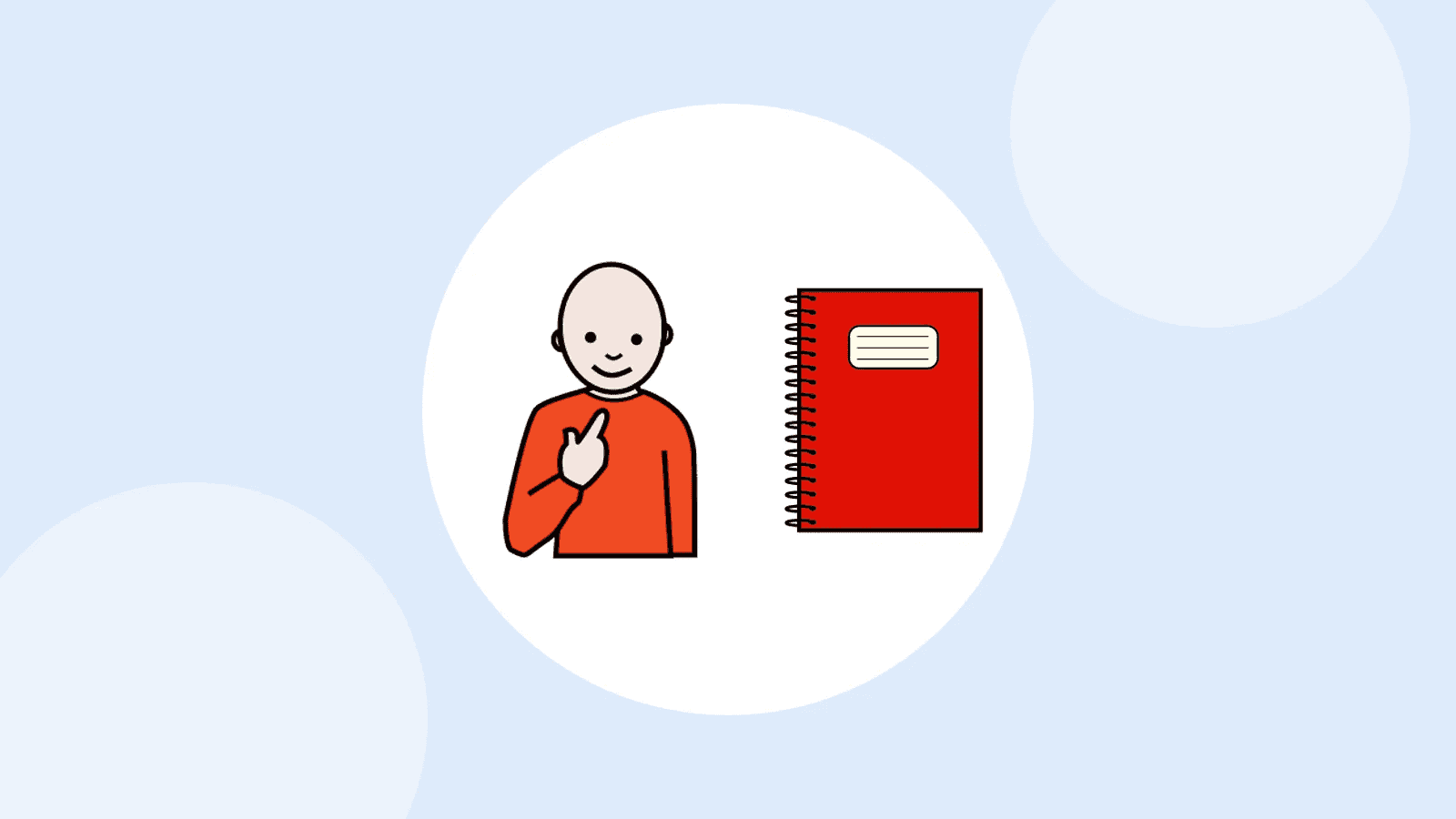

How can a new teaching assistant, a respite team or a supply teacher know, from day one, who the person is and how to communicate with them? With a communication passport: a short document written in the first person that introduces them, explains how they express themselves and how to help, and goes with them wherever they go.
What is a communication passport?
It is a short document, often illustrated, that brings together what you need to know to communicate well with someone who speaks little or not at all. The idea comes from Scotland: Sally Millar, a speech and language therapist at the CALL Centre in Edinburgh, came up with it in the early 1990s so that each new professional would not have to start from scratch (TechLab, 2024).
The passport does not describe a diagnosis: it is about the person, what they like and how to talk to them. It builds on the ‘How to talk to me’ card, which fits in a few lines and opens a conversation with a stranger; the passport is for the people who will spend time with the person.
Who is it for, and when?
For anyone with complex communication needs, child or adult, whatever the cause. It is most useful at times of change:
- A new place: starting school or a new year, a new setting, a day centre, a respite stay, a summer camp.
- New people: a teaching assistant, supply staff, a babysitter, new professionals, neighbours.
- A hospital stay: it then goes alongside the hospital passport (medicines, allergies) described in Being understood.
What goes in it?
Sally Millar’s template suggests around fifteen sections, to keep, remove or adapt (TechLab, 2024). The most useful ones:
- Who I am: first name, age, a photo, who I live with.
- How I communicate: speech, gestures, signs, symbols, tablet; my yes and my no, with the exact gesture.
- How to help me communicate: speak slowly, show me the symbols, give me time to answer, offer me choices.
- What I like, what I don’t like: what makes me happy, what annoys me, what I can’t stand (noise, waiting, being touched).
- My life: the important people, the things I like to talk about, what I can do on my own and what I need help with, eating and drinking.
- In an emergency: who to call, and how.
 Who I amFirst name, age, photo
 How I communicateMy tool, my yes, my no
 Helping meSpeak slowly, wait
 What I likeAnd what I don’t like
The ‘How I communicate’ and ‘What I like, what I don’t like’ sections can work as a small dictionary of signals: ‘When I rock and smile, I’m happy’, ‘When I cover my ears, it’s too noisy for me’. For a person whose behaviour is sometimes a message, see Behaviours that challenge.
How do you create it?
 GatherFrom family and professionals
 WriteWith the person
 ShowTo each new person
 UpdateAnd note the date
- Involve the person. Write it with them or, at the very least, with them present, and let them approve each page (TechLab, 2024).
- Write in the first person: ‘I like you to tell me before you touch me’, rather than ‘He doesn’t like being touched’.
- Stay positive and specific. No medical jargon, no list of difficulties: what the person can do, and what helps them.
- Keep it short. A few pages; a single-page version for a quick read, for example at the reception of a new setting (TechLab, 2024).
- Adapt the format to their age and reading level: symbols, photos, or text only for an adult who reads.
- Date it and review it whenever something changes: new words, a new tool, a new class.
An example page
Hello, my name is [first name], I am [age] years old. I understand a lot, but I don’t say much. To say yes, I [nod]; to say no, I [turn my head away]. I also use symbols on my tablet: please give me time to answer. I love [music] and [walks in the park]. I don’t like [loud noise]. If I [cover my ears], please take me somewhere quieter.
Paper or digital?
Both. On paper (a card, an A4 sheet, a small booklet), the passport can be read without a device, slipped into a bag or school bag and left with the team. On a tablet, it can be read aloud and changed in seconds; but the app can’t tell a stranger that they need to go and look for it (TechLab, 2024). So keep a printed one-page version, and the full version in the tool.
The communication passport in Buddy
In Buddy, you can create the passport in under five minutes: open Notebooks, tap Create notebook and choose the ‘Communication passport’ template. Everything is pre-filled, sections, symbols and examples: all you have to do is replace the examples with what applies to the person, and fill in the ‘…’. The play button reads the page aloud, the notebook can be shared with the team through a link, and it can be printed for the paper version.
Free templates
- The CALL Scotland templates, where the approach began.
Frequently asked questions
How is it different from the ‘How to talk to me’ card?
The card fits in a few lines and is used to start a conversation with someone you meet briefly: a shopkeeper, a doctor. The passport is more complete and is for the people who will support the person for a while. The card can even be its first page.
Who should fill it in?
The person themselves, helped by those who know them best: family, professionals, friends. Everyone contributes what they observe; the person chooses what they want to say about themselves.
When should it be updated?
Whenever something important changes (a new tool, new words, a new home) and at least once a year. Write the date of the last update on the first page.
Pictalk Buddy brings together AAC boards, a visual schedule, guided sequences and notebooks, with the same symbols, on Android, iOS, the web and the watch. A pay-what-you-want app, developed by a non-profit association. Discover Buddy
Sources
- Régent, A., 2024, Le passeport de communication, technical sheet, TechLab, APF France handicap.
- CALL Scotland, Personal Communication Passports.
- CAApables, Outils.