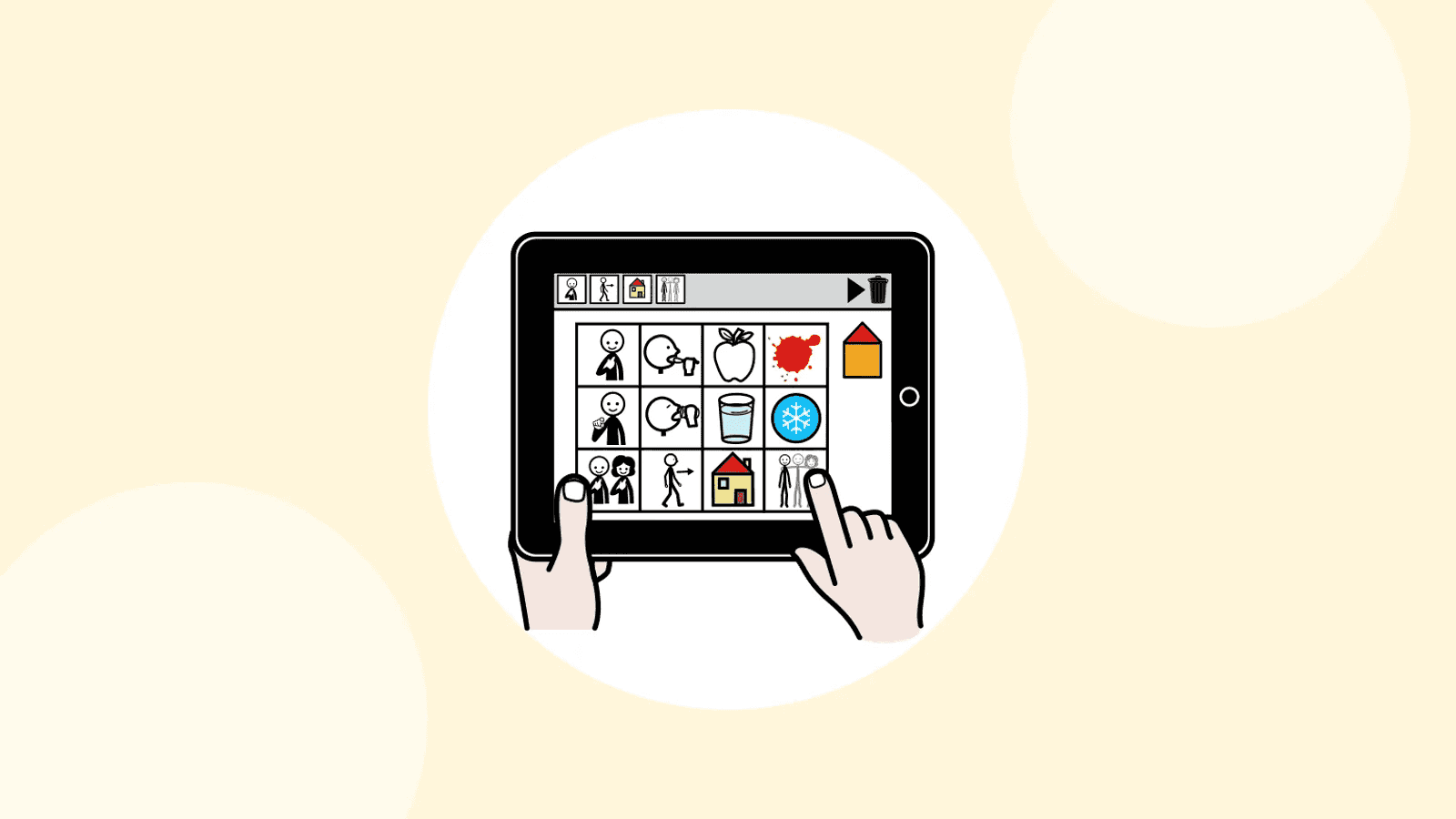

Tablet, phone or paper book: which AAC tool should you choose, and how do you know if it suits the person? You don’t start with the tool but with the person; paper and screen complement each other; and a tool is judged after a real trial over several weeks.
What do you need to know about the person before choosing?
The reference approach, the participation model, starts from the person’s life: where they take part, what stops them, and then which aids to choose (Beukelman and Light, 2020). Before downloading anything, write down:
- Their activities and places: meals, school, work, leisure, shopping, swimming, medical appointments. For each one, what is missing for them to communicate?
- Their partners: family who know their gestures, or strangers who need a clear voice? Friends and strangers call for different messages from family.
- Their access: do they point reliably with a finger? Do they need a keyguard, a switch, eye gaze?
- Their languages and those of their family.
- Their wishes, not just their needs: teasing their brothers and sisters, talking about football, telling people about their holidays. A good tool is also for commenting, refusing or building relationships (see Beyond requests).
- How many words they need, and who will keep the tool up to date. The richer the vocabulary, the more practical digital becomes.
Don’t wait until this analysis is finished to offer a way to communicate: there are no prerequisites, and a simple first tool can be offered straight away (see Myths about AAC).
Paper, tablet or both?
Low-tech AAC means supports without electronics (printed boards and books, cards, alphabet boards, clear boards for eye pointing) and high-tech AAC means tablets, phones and dedicated devices that speak. Gestures and signs remain valuable, but untrained partners guess only 10 to 30% of them according to one study (Daniloff et al., 1983): with strangers, a physical support is needed.
| Criterion | Paper (low-tech) | Tablet or phone (high-tech) |
|---|---|---|
| Cost | Low: printing, laminating | Device to be funded; free or paid software |
| Voice | No: the partner has to look and read | Yes: gets attention without eye contact, works at a distance, on the phone and with people who can’t read |
| Vocabulary | Limited by the number of pages | Thousands of words, organised into pages |
| Grammar | Hard to represent | Verb forms, endings, prediction, depending on the app |
| Durability | No battery, goes in the bath and the swimming pool | Battery, breakage, water |
| Updating | Reprint | Add a word in a few seconds |
| Social image | Discreet or very visible depending on the format | A mainstream tablet is seen as ‘normal’ |
For learning, both work: modelling (showing the symbols while you talk) has large effects on paper and on screen alike (Allen et al., 2017; O’Neill, Light and Pope, 2018). A voice adds independence with strangers; paper takes over when the battery is flat. The strongest combination is often a main app and a paper copy.
The rule: the same layout on paper and on screen
The paper copy must use exactly the same positions as the app: the word ‘more’ is in the same place on the sheet and on the screen. The person has nothing to relearn and their movements become automatic. A common mistake: a book organised differently from the app, which means looking for every word twice. Check that the app can print its boards, and reprint after every major change (see Organising the grid).
Small paper boards for each place
Add a few laminated boards for the places where the tablet can’t go or stays put away:
- the bathroom and the bath;
- the swimming pool;
- the car;
- meals and messy activities;
- an ‘emergency’ board, kept within reach, with at least yes, no, it hurts, help me.

To make them, see Making a communication board and our printable resources.
The checklist: five areas to check
| Area | Questions to ask |
|---|---|
| 1. Vocabulary | Can you easily add personal words (names, family photos, places, passions)? Do words stay in the same place when you add more? Can the vocabulary grow, for example by revealing hidden cells, without reorganising everything? Is there a way to refuse, protest, say stop, ask questions, comment, say hello? Words for the body, pain, privacy? Age-appropriate images? |
| 2. Access | Can the cell size be adjusted? Is a keyguard possible? Does the person need a switch or eye gaze (only some apps are suitable)? Does the tool work in a wheelchair, in bed, in the car? |
| 3. Voice and language | Do the voices match the person’s age and gender, and can they choose their own? Does the app handle the grammar of your language properly, or is it simply translated? Can you switch language and keep the same positions (see AAC and bilingualism)? |
| 4. Everyday use | Can you add a word in under a minute, during the activity? Does it work offline? Does it sync between home, the phone and school? Can you print the boards in the same positions? Export your data in an open format (OBZ) so you don’t depend on one publisher? How much does it cost over several years, including any subscription? Where is the data stored? |
| 5. Beyond speech | Does the person need a visual schedule, sequences to carry out a task on their own, a life book? Do these tools use the same symbols as the communication boards? |
Two criteria often weigh more than the others. How easy it is to change: parents put it first (Meder and Wegner, 2015), and a vocabulary that doesn’t evolve ends up abandoned (Johnson et al., 2006). Access, which on its own can rule options out: see Access: positioning, switches, eye gaze. For the cost, see Funding AAC: how to prepare a funding request.
How do you organise a real trial?
 Set upA single tool, ready for one priority situation
 ModelShow the words on the tool while you talk
 PractiseOne to two weeks before observing
 ObserveUse, speed, fatigue, and the person’s own view
- One tool at a time, over several weeks.
- Set it up fully for one priority situation (snack time, playtime, shopping) before judging it.
- Model: show the words on the tool while you talk, during moments the person enjoys (see Model, wait, respond).
- Allow one to two weeks of practice before observing.
- Observe: does the person use the tool, how often, how accurately? Do partners understand them? Is it quick, tiring? Do they take part more?
- Ask for their opinion, even using screenshots. Respecting their preferences can speed up learning (van der Meer et al., 2011).
Don’t judge after a week: one experienced user estimated they needed about 96 hours of practice to master their tool, whereas the usual training lasts 2 to 6 hours (Horton et al., 2001).
Which mistakes should you avoid?
- Choosing the tool you know. It is the first bias cited by Beukelman and Light: professionals recommend what they know well, not necessarily what suits the person.
- Relying on feature charts alone. They have never been validated and favour the most technological solutions. To get a picture of the apps on the market, our AAC app comparison is a starting point, not a verdict.
- Putting the tablet away to protect it. A tool that stays in its case is no use: get a sturdy case and the paper copy for messy activities.
- Relying on a single support. Nobody communicates in only one way: gestures, voice, paper and screen complement each other (Williams, Krezman and McNaughton, 2008).
- Forgetting the people around the person. The reasons for abandonment are almost always the same: an unsuitable tool, family or professionals without support or training, vocabulary not kept up to date, an important partner who rejects AAC, a device that is too bulky or too small, never any practice in real situations.
The best tool is the one the people around the person can bring to life (see Setting up AAC as a team).
Frequently asked questions
Should you start with paper before the tablet?
No, it isn’t a required step. You can start straight away on a tablet, or with both. Paper is mainly a copy and a backup.
Tablet or phone?
It depends on the cell size the person needs and on how they get around. A tablet offers bigger cells; a phone is always in your pocket.
Can a free app be enough?
Yes, if it matches the person’s needs: the price tells you nothing about the fit. Particular access needs (eye gaze, switches), on the other hand, often call for a specialist tool.
Pictalk Buddy brings together AAC boards, a visual schedule, guided sequences and notebooks, with the same symbols, on Android, iOS, the web and the watch. A pay-what-you-want app, developed by a non-profit association. Discover Buddy
Sources
- Beukelman, D. R. and Light, J. C. (2020). Augmentative & Alternative Communication (5th ed.). Paul H. Brookes.
- Studies cited from this book: Daniloff et al. (1983); Allen et al. (2017); O’Neill, Light and Pope (2018); Meder and Wegner (2015); Johnson et al. (2006); van der Meer et al. (2011); Horton et al. (2001); Williams, Krezman and McNaughton (2008).